
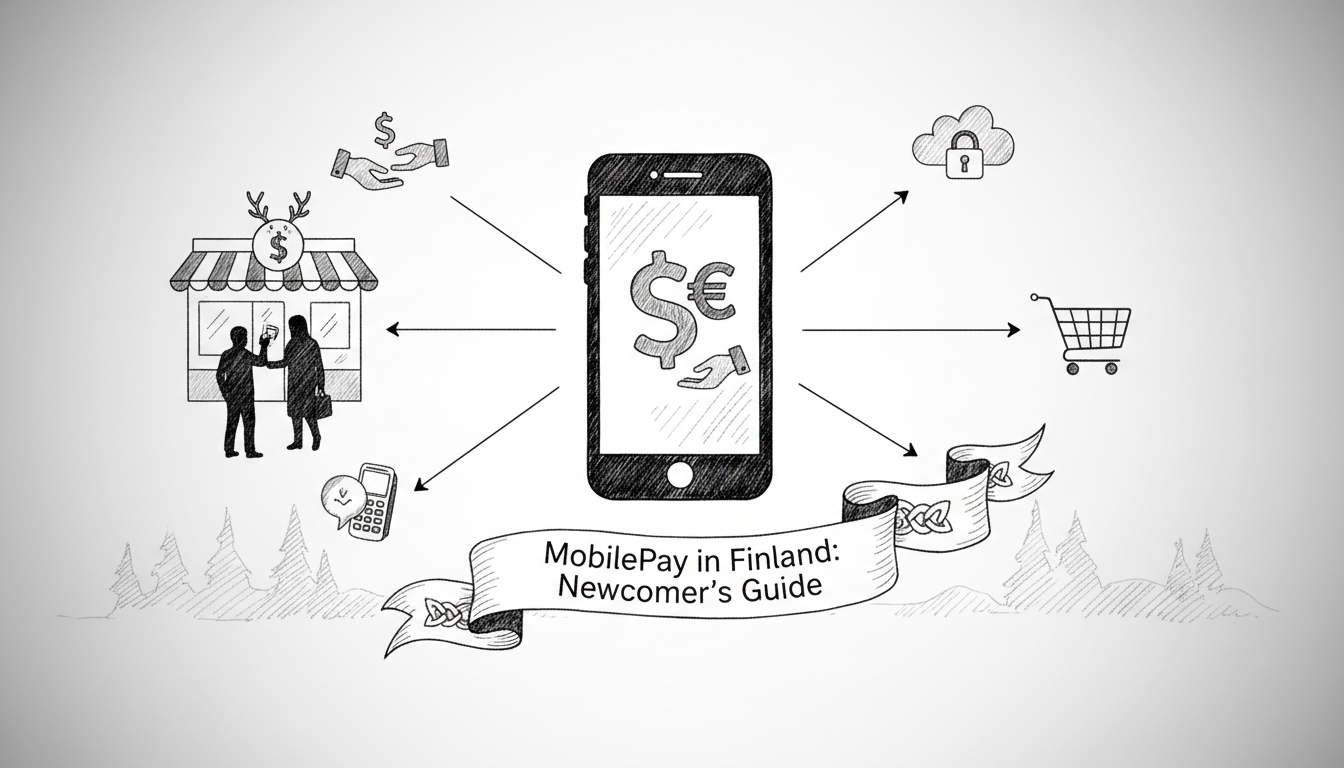
In Finland, cash has become a rarity. MobilePay handles over 10 million transactions monthly. This Danish-born app dominates Finnish daily life. Newcomers must master it to navigate shops, cafes, and peer payments.
Setting Up Your MobilePay Account
Download MobilePay from the App Store or Google Play. The app requires a Finnish or Danish bank account. Major banks like Nordea, OP, and Danske Bank integrate directly. Link your debit card during setup. The app verifies your identity via bank credentials. This process takes about five minutes. You will create a four-digit PIN. Store this PIN securely. The app then generates a unique QR code. This code represents your payment identity.
Making Everyday Payments
Pay at supermarkets like K-Citymarket or S-Market. Open the MobilePay app at checkout. Select 'Pay' and scan the store's QR code. Confirm the amount and enter your PIN. The payment completes instantly. Many small vendors use simple printed QR codes. Helsinki's Hakaniemi Market Hall stalls accept MobilePay. Coffee chains like Robert's Coffee and Espresso House use it. For person-to-person payments, tap 'Send'. Enter the recipient's phone number. Finnish phone numbers work automatically. Type the amount and a message. Confirm with your PIN. The money transfers immediately.
Tools
Call home for less
Save up to 90% on international calls to family and friends.
Links may be monetized via affiliate partners.
Understanding Costs and Limits
MobilePay is free for personal use. Businesses pay 1.4% per transaction plus a small fixed fee. Personal payment limits depend on your bank. Standard daily limits range from 1000 to 5000 euros. Monthly limits can reach 15000 euros. Banks set these thresholds for security. Contact your bank to increase limits. Always check your bank's specific terms. Transaction history appears in the app. Export records for expense tracking. The app works across the Nordic region. You can pay in Denmark with the same account.
Security and Troubleshooting
MobilePay uses bank-level encryption. Never share your PIN. The app logs out automatically after inactivity. Report lost phones immediately through your bank. Disable payments remotely via online banking. Common issues include failed transactions. Ensure a stable internet connection. Verify your linked card has funds. Update the app regularly. Contact your bank for payment disputes. Finnish consumer protection covers unauthorized transactions. For help, visit MobilePay's support pages. Banks provide additional assistance in English.
Frequently Asked Questions
Can I use MobilePay without a Finnish bank account?
No. You need an account with a participating Finnish or Danish bank. Banks like Nordea, OP, Danske Bank, and Ålandsbanken work. Some international banks may not connect.
What if someone pays me by mistake?
Open the transaction in your MobilePay app. Tap 'Return payment'. The money goes back instantly. You cannot block incoming payments. Always verify senders for large amounts.
Are there fees for receiving money?
No. Receiving money is always free for personal users. Businesses pay the standard transaction fee when receiving customer payments.
How do I pay at a restaurant?
Ask for the restaurant's MobilePay QR code. Scan it with your app. Enter the total amount including tip. Confirm with your PIN. Some places bring a payment terminal to your table.
Can I use MobilePay for online shopping?
Yes. Select MobilePay at checkout on supported Finnish websites. You will redirect to the app. Authorize the payment with your PIN. Stores like Verkkokauppa.com and Zalando accept it.
What happens if I lose my phone?
Call your bank immediately. They will block MobilePay access. Use online banking or visit a branch. You can restore access on a new device later.
Is MobilePay safer than card payments?
It offers similar security. Payments require your PIN. The app uses tokenization. Card details never share with merchants. Bank fraud protections still apply.