
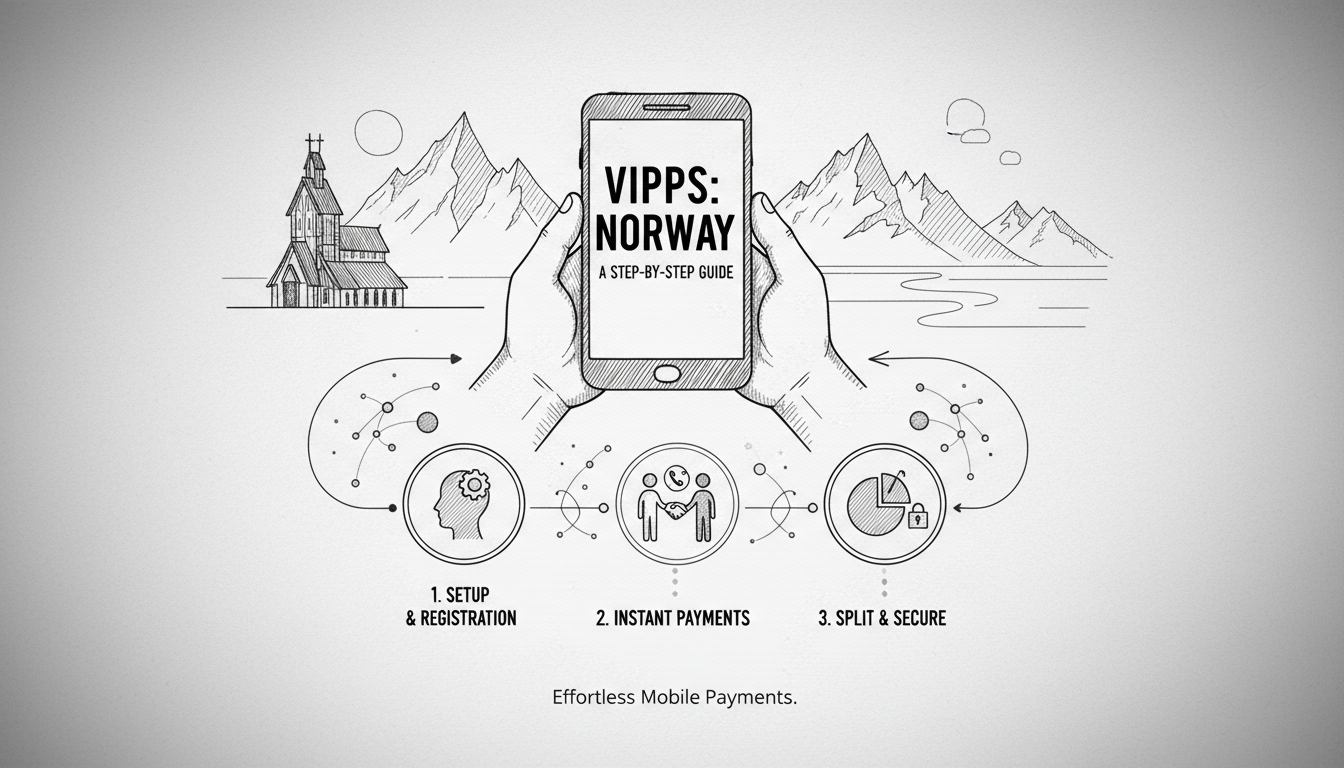
In Norway, cash has become a relic. Over 90% of retail transactions are digital. Vipps dominates this landscape. The mobile payment app processes millions of transactions daily. For newcomers, understanding Vipps is essential for daily life. This guide explains how to set up and use the service effectively.
Getting Started with Vipps
First, download Vipps from the App Store or Google Play. The app is free. You need a Norwegian phone number and bank account. Most major banks like DNB, Nordea, and SpareBank 1 support Vipps. Open the app and register with your phone number. You will receive a verification code via SMS. Enter your Norwegian national identity number or D-number. This links your bank account securely.
Next, confirm your identity. Vipps uses BankID for this process. BankID is Norway's digital identification system. Follow the in-app prompts to log in with your BankID. This step takes about two minutes. Your bank account details are then imported automatically. You can now send and receive money. The setup process typically completes in under ten minutes.
Tools
Call home for less
Save up to 90% on international calls to family and friends.
Links may be monetized via affiliate partners.
Making Payments and Transfers
Vipps simplifies peer-to-peer payments. To pay a friend, open the app and tap 'Pay'. Enter the recipient's phone number. You can also scan a QR code. Type the amount in Norwegian kroner. Add a message like 'lunch' or 'rent'. Confirm the payment with your PIN. The money transfers instantly. There is no fee for personal transfers.
Paying at stores is equally straightforward. Look for the Vipps logo at checkout. Open the app and select 'Pay at checkout'. Scan the merchant's QR code displayed. Enter the amount if not pre-filled. Authorize with your PIN. The payment completes in seconds. Major chains like Kiwi, Rema 1000, and Narvesen accept Vipps. Many cafes and restaurants use it too.
Advanced Features and Costs
Vipps offers business accounts for entrepreneurs. The 'Vipps for Business' plan costs 1.5% per transaction. There is a monthly fee of 99 kroner. This allows companies to receive payments easily. Freelancers like photographer Sofia Larsen use it for invoicing clients. She creates payment requests directly in the app. Clients pay with one click.
Splitting bills is another useful feature. After a group dinner, tap 'Split the bill'. Select contacts from your phone. Vipps calculates equal shares. It sends payment requests to each person. Recipients get a notification. They can pay immediately. This eliminates awkward calculations. The feature works for any number of people.
Security and Troubleshooting
Vipps uses multiple security layers. Transactions require a six-digit PIN. The app logs out automatically after inactivity. It also uses device biometrics like fingerprint scanning. Never share your PIN. Report lost phones to your bank immediately. Vipps has a dedicated support team. Contact them via the app's help section.
Common issues include failed BankID verification. Ensure your BankID is active through your bank. Sometimes phone number changes cause problems. Update your number in both your bank and Vipps. For transaction disputes, contact Vipps support first. They resolve most issues within 24 hours. Your bank can also help with fraudulent activity.
Frequently Asked Questions
Can I use Vipps without a Norwegian bank account?
No. You need a Norwegian bank account. This is a legal requirement for identity verification. Some digital banks like Lunar and Sbanken offer accounts to foreigners. They require a Norwegian identity number.
What are the transaction limits on Vipps?
Daily limits vary by bank. DNB allows 30,000 kroner per day. Nordea sets a 25,000 kroner limit. Weekly limits are often 100,000 kroner. Check with your specific bank for exact numbers.
How long do Vipps transfers take?
Personal transfers are instant. Business payments may take one business day. International transfers are not supported. Use services like Wise or PayPal for sending money abroad.
Is Vipps safe for large payments?
Yes. The security measures match online banking standards. Use it for rent or large purchases. Always verify the recipient's details before sending. Double-check phone numbers.
Can I use Vipps on multiple devices?
No. Vipps ties to one phone number and device. You cannot log in on a tablet and phone simultaneously. Switching devices requires re-verification with BankID.
What if I lose my phone with Vipps installed?
Immediately contact your bank. They will block Vipps access remotely. You can also use another device to log into your bank's online service. Deactivate Vipps from there.
Are there fees for receiving money?
No. Receiving personal payments is free. Business accounts pay the 1.5% transaction fee. There are no hidden charges for standard use.